If you have been following the news surrounding the UK's copper landline phase-out, you might have assumed the old analogue network would be completely shut down by now.
Telecom providers like BT, Openreach, Virgin Media, and Sky originally targeted December 2025 to complete the migration to digital landlines (Voice over IP). However, following safety concerns regarding emergency backup power and vulnerable customers who rely on landlines, industry regulators and providers officially adjusted the timeline.
The updated, final target date for the UK PSTN landline switch-off is 31st January 2027.With the clock ticking toward 2027, millions of UK households are asking: "What happens to my classic landline phone when the network goes digital?"
The good news? You do not need to throw away your iconic retro telephone. Here is your essential guide to the UK PSTN shutdown and how to keep your GPO style phone working seamlessly over broadband.
Telecom engineers across the UK are retiring the legacy copper Public Switched Telephone Network (PSTN). In its place, landline calls are moving to Digital Voice - a service powered by Voice over Internet Protocol (VoIP).
Instead of plugging your telephone into a traditional round wall socket, your landline signal will now run directly through your broadband internet router.
-->Traditional Setup: [Phone] ---> [Analogue Wall Socket] ---> Copper NetworkThis transition is mandatory. Once your area is switched over, standard wall sockets will stop transmitting signals.
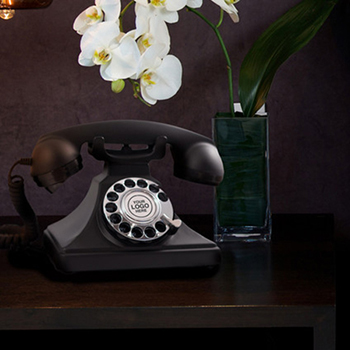
A widespread worry among phone owners is that the digital switchover forces everyone to replace their weighted, stylish classic phones with lightweight, plastic modern handsets provided by internet providers.
Fortunately, that is a complete myth. Our engineering team at GPO Retro ensures that our entire telephone collection remains 100% future-proof for the digital era.
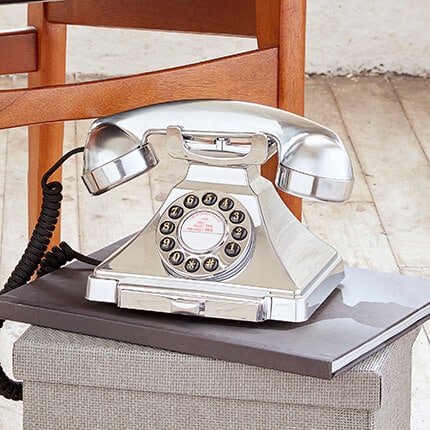
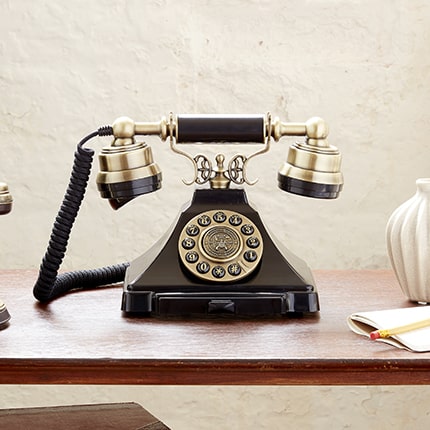
At GPO Retro, we offer a wide selection of Digital Landline Telephones suited for different work environments like office, businessness, hotel Hospitality and Home.
Connecting your GPO phone to a modern digital broadband line is fast and straightforward:
Check the back of your broadband hub (BT Smart Hub, Sky Broadband Hub, Virgin Media Hub, or TalkTalk Wi-Fi Hub). You will find a dedicated telephone port, typically labeled 'FON', 'TEL', or marked with a small phone icon.
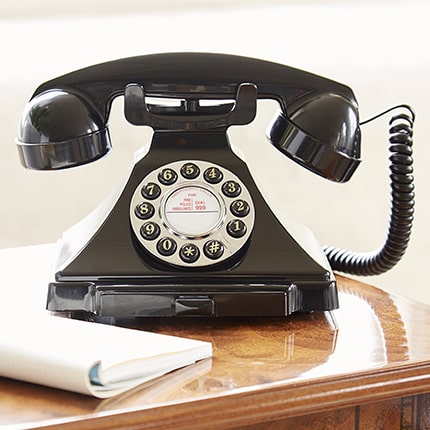
If you own a modern GPO push-button retro phone (such as the GPO 746 Push Button or GPO Duke), plug your phone cable directly into the router's phone port using a standard BT-to-RJ11 adapter. It will work instantly with clear digital audio.
If you own a mechanical rotary dial phone that uses pulse dialing (Loop Disconnect), modern digital routers cannot read the signals when dialing out. To fix this:
Beyond preserving your home decor from generic plastic modern tech, keeping a solid, weighted GPO landline handset offers practical advantages:
The countdown to 31st January 2027 is underway. Avoid last-minute migration delays or router connection confusion by ensuring your hardware setup is ready today.